How to Print Coloring Pages at Home: Paper and Printer Tips
Learn how to print PDF coloring pages at home, choose the right paper, adjust printer settings, and avoid common printing mistakes.
Want to turn your favorite digital coloring pages into beautiful paper activities without leaving home?
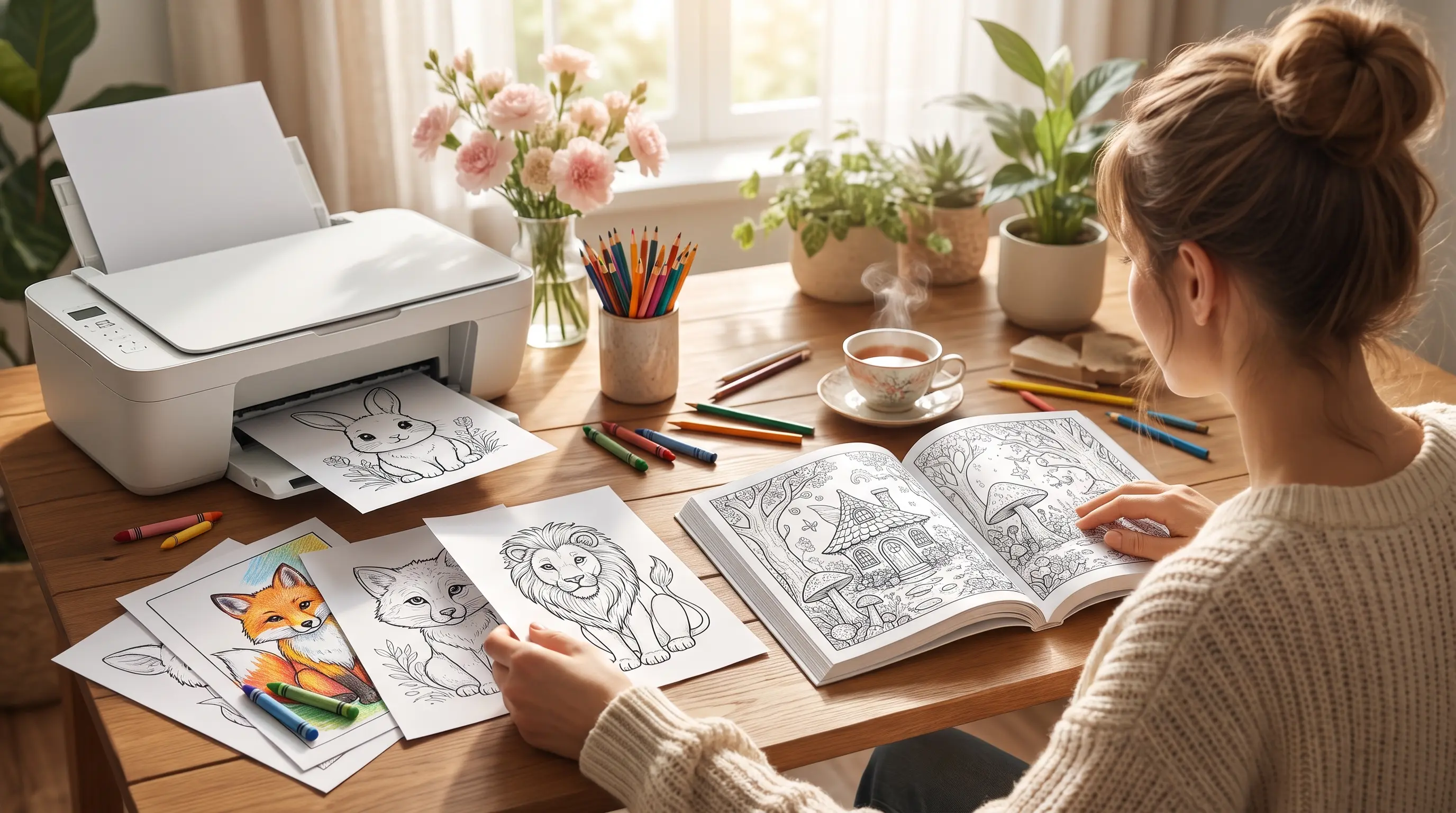
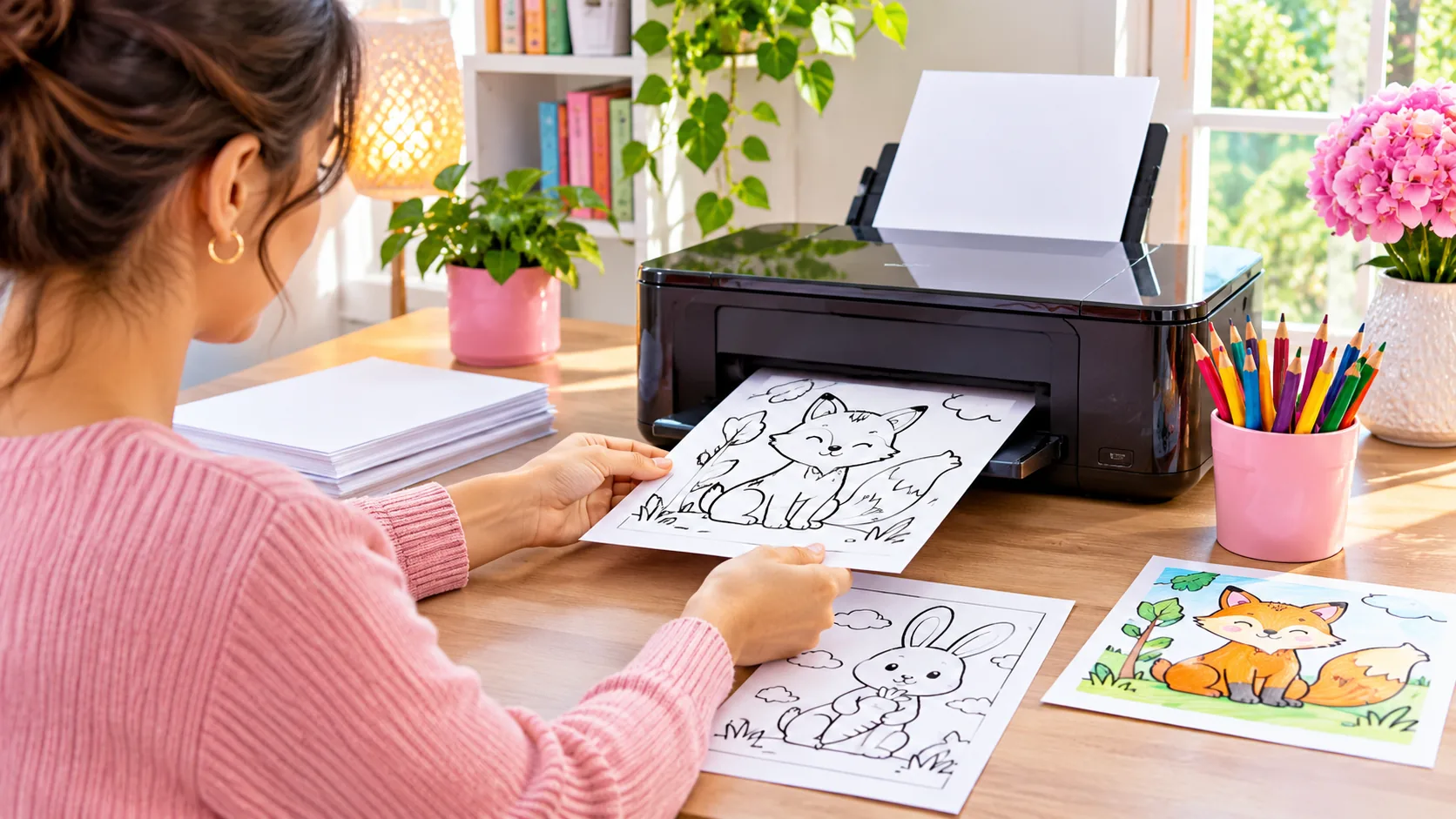
Printing coloring pages is easier than you might think. With a printer, suitable paper, and a few simple settings, you can create coloring sheets for children, family activities, or your own relaxing creative time.
However, choosing the wrong paper size or printing settings can leave you with cropped drawings, faint outlines, or pages that are difficult to color.
In this step-by-step guide, you'll learn how to print coloring pages at home, which paper to choose, and how to fix common printing problems.
1. Choose a Printable Coloring Page
The first step is to find a coloring page that suits the person who will use it.
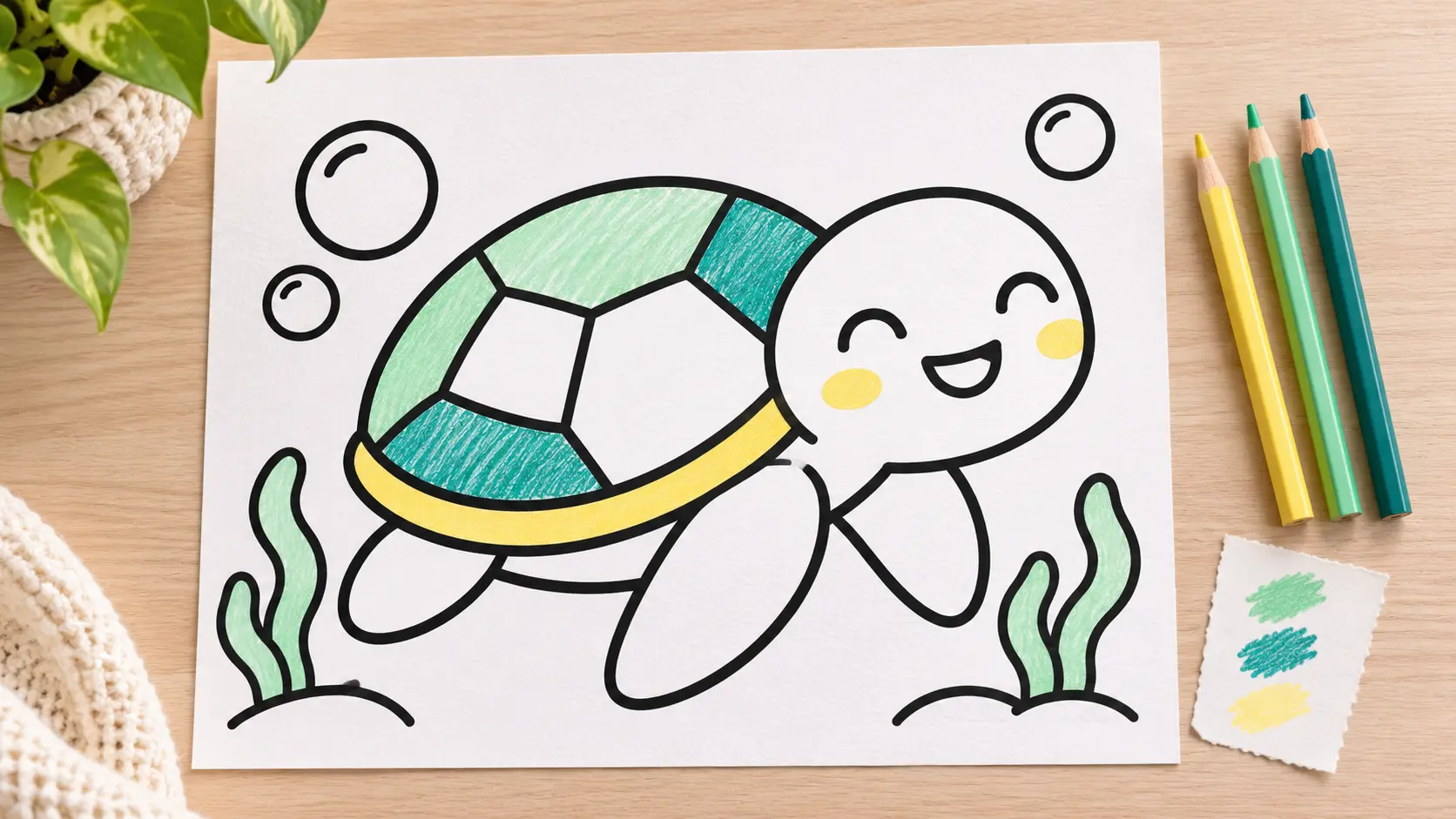
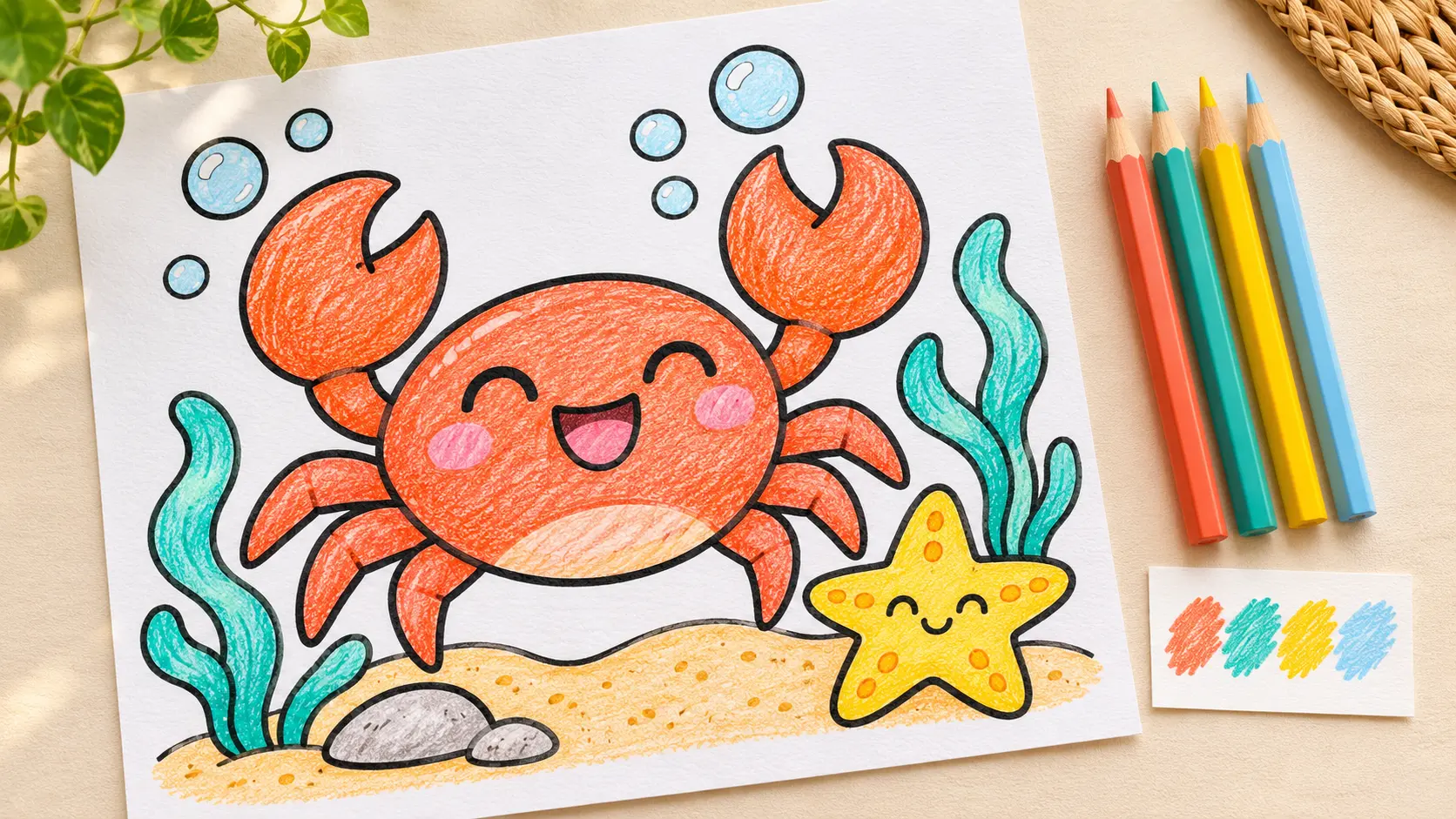
For young children, look for simple pictures with bold outlines and larger coloring spaces. Older children and adults may enjoy more detailed illustrations.
Printable coloring pages are often provided as PDF files because PDFs preserve the page layout and are convenient to print.
If you've purchased a printable PDF from an online store, download the file using the instructions provided after purchase.
Save it in a folder where you can easily find it again.
Tip: Choose just one or two pages for your first printing test instead of printing an entire coloring book immediately.
2. Choose the Best Paper for Coloring
The type of paper you use can affect how the coloring activity feels.
Different art materials work better with different paper surfaces and thicknesses.
Regular printer paper
Ordinary white printer paper is a practical starting point for children's coloring activities.
Paper around 80–100 gsm is widely used for everyday printing and can work well for basic coloring with crayons or colored pencils.
Slightly thicker paper
For a sturdier sheet, you can experiment with paper around 120–160 gsm, provided your printer supports it.
This may be useful when someone enjoys coloring with pencils or wants a page that feels less flimsy.
Always check your printer's supported paper types and weights before loading thicker paper.
What about markers?
Markers can soak through paper, especially when several layers of ink are applied.
If you plan to use markers, test them on a spare printed page first. Place scrap paper beneath the coloring sheet to help protect your table.
Important: Even thicker paper is not guaranteed to prevent marker bleed-through.
3. Open Your Coloring Page PDF
Once you've downloaded your file, open it using a PDF viewer.
You can use a suitable PDF reader or another application that supports printing PDF documents.
Before printing, check that the page displays correctly.
Make sure the design is clear and that the entire illustration is visible.
Then open the Print menu.
On many computers, you can do this by selecting File → Print or using the print icon.
4. Select the Correct Paper Size
Two common paper sizes are:
- US Letter: 8.5 × 11 inches, common in the United States.
- A4: 210 × 297 mm, widely used in many other countries.
These sizes are similar, but they are not identical.
If your PDF is designed for US Letter and your printer contains A4 paper, the image may need to be scaled to fit.
Always check the PDF's page size if it is available, and select the actual paper size loaded in your printer.
Actual Size vs Fit to Page
You'll usually see printing options such as:
Actual Size / 100%
Prints the PDF at its original scale. This is useful when the PDF page size matches your paper and the artwork fits within your printer's printable area.
Fit / Fit to Printable Area
Adjusts the page to fit the selected sheet and the printer's available margins.
This can help when printing a US Letter design on A4 paper or when part of the picture would otherwise be cropped.
For most coloring activities, a slight reduction in size is preferable to losing the edges of the illustration.
Tip: Check the print preview before printing. If the drawing is cut off, review the paper size and scaling settings.
5. Choose Black-and-White Printing
Most printable coloring pages contain outlines that are meant to be filled in with crayons, pencils, or markers.
If the PDF has black outlines on a white background, black-and-white or grayscale printing is often sufficient.
You generally don't need to use color ink just to print a black-outline drawing.
Open your printer settings and look for a choice such as:
- Black and White
- Grayscale
- Monochrome
The wording depends on your printer.
Use an appropriate print-quality setting so the outlines remain clear. If a draft setting produces faint or broken lines, try a higher-quality setting.
6. Print One Test Page First
Before printing several coloring sheets, print one page.
Check the result carefully.
Ask yourself:
- Is the entire picture visible?
- Are the outlines clear?
- Does the image fit comfortably on the page?
- Is the paper thick enough for the coloring materials?
- Are there unwanted blank borders or cropped details?
If something isn't right, adjust the settings and try again.
This simple step can help reduce wasted paper and ink.
7. Print on One Side for Easier Coloring
For coloring activities, printing on one side of the paper is often the most convenient choice.
Single-sided pages can be easier to display, store, or remove for individual activities.
They are also useful when coloring materials might transfer through to the reverse side.
Before printing, check whether your printer has a two-sided or duplex option enabled.
If you want separate coloring sheets, switch to single-sided printing.
You can then place a protective sheet beneath the page when using markers.
8. Avoid These Common Printing Mistakes
The picture is cut off
Check whether the PDF page size matches your loaded paper.
If necessary, select Fit to Printable Area and review the print preview.
The picture is too small
Make sure the printer isn't placing several PDF pages onto one physical sheet.
Look for a setting such as Pages per sheet and select one page per sheet.
The outlines are too faint
Try a better-quality print mode, check your ink or toner levels, and confirm that the original PDF appears clear on screen.
The paper jams
Check that the paper type and thickness are supported by your printer.
Load the sheets according to the manufacturer's guidance.
The entire coloring book starts printing
Cancel the job if needed, then return to the print menu and select only the page numbers you want.
A printable coloring book doesn't have to be printed all at once.
9. Organize Your Printed Coloring Pages
Once your pages are printed, you can keep them in a simple folder, binder, or activity box.
For young children, you might organize pages by themes such as:
- Cute animals
- Dinosaurs
- Flowers and nature
- Holidays
- Fantasy characters
You can also display completed coloring pages or keep a selection for future activities.
A small collection of printed sheets makes it easy to choose an activity whenever you're in the mood to color.
Discover Printable Animal Coloring Pages at MSK Printable
Looking for cute, easy animal coloring pages for toddlers?
Explore the Animal Coloring Book for Toddlers Ages 2–4 from MSK Printable.
This digital collection features 50 adorable animal coloring designs with bold outlines and simple pictures intended for young children.
The downloadable PDF lets you select and print coloring pages at home.
It's a convenient option for parents looking for animal-themed coloring activities without having to prepare new drawings from scratch.
Explore the Animal Coloring Book for Toddlers Ages 2–4
You can also browse our Digital Downloads collection for other printable PDF products.
These are digital downloads. Product 63 is a paid PDF, not a physical book shipped to your home.
Frequently Asked Questions
Can I print coloring pages using a regular home printer?
Yes. Many home inkjet and laser printers can print PDF coloring sheets, provided the paper size and print settings are compatible.
Is A4 or US Letter better for coloring pages?
Either can work. Choose the size your printer supports and adjust the scaling if the original PDF uses a different page size.
Do I need expensive paper?
No. Ordinary printer paper is usually a reasonable starting point for crayons and colored pencils. You can try thicker paper if your printer supports it and your coloring materials need it.
Should I print an entire PDF coloring book at once?
Not necessarily. You can usually select individual page numbers or a page range in your PDF viewer.
Printing a test sheet first is a sensible way to check the result.
Final Thoughts
Printing coloring pages at home doesn't require complicated equipment.
Choose a printable design, select suitable paper, check the print preview, and start with one test page.
Once you've found the settings that work for your printer, preparing your next coloring activity becomes much easier.
Looking for something fun to do with your printed pages? Read our 7 Easy Animal Coloring Activities for Toddlers Ages 2–4.
Happy printing and happy coloring!